Table of Contents
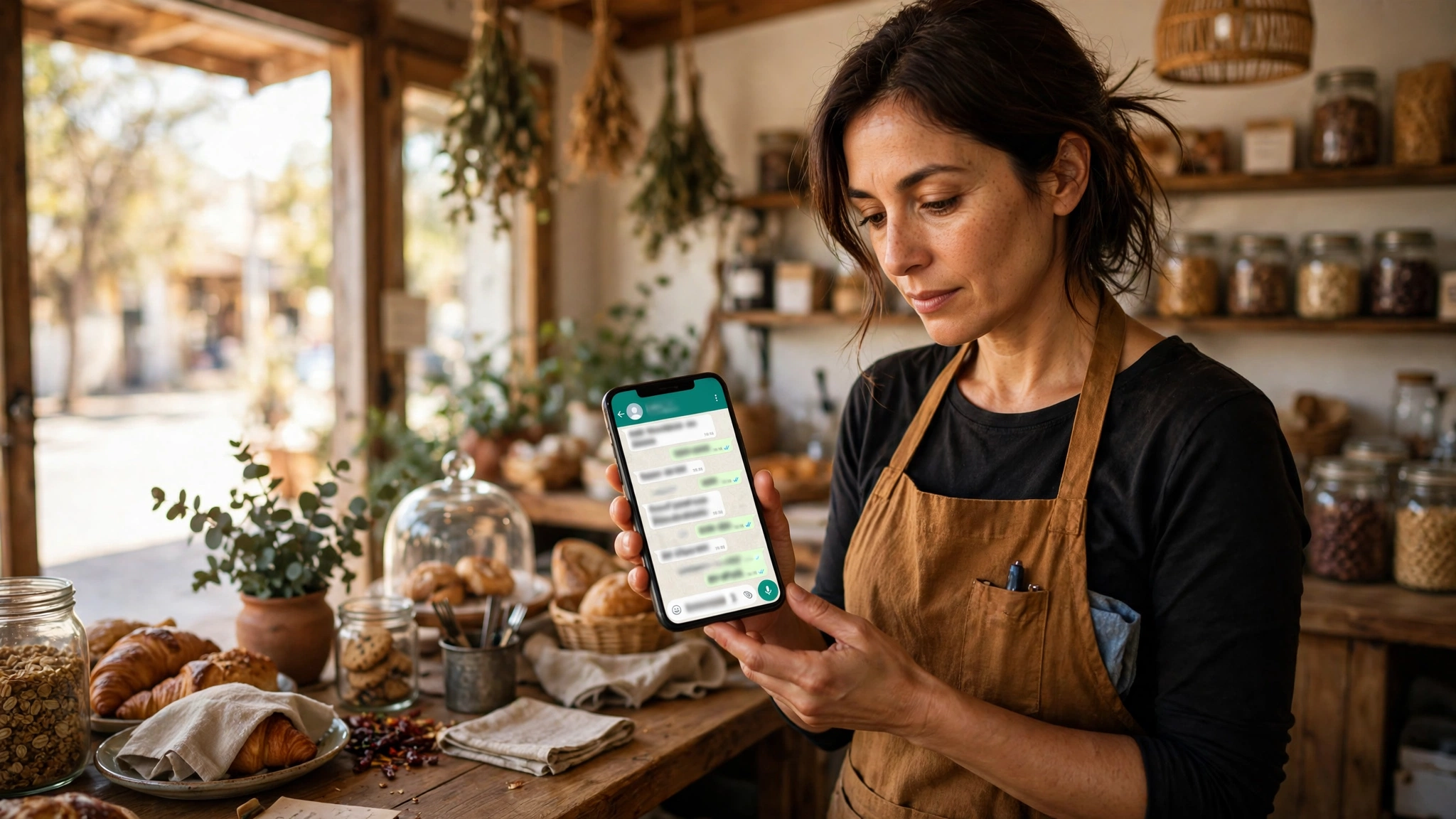
For many small businesses, WhatsApp is already where the selling happens. A customer sees a post, sends a message, asks the price, and pays — without ever visiting a website. For a lot of businesses in Nigeria, and for a growing number in the United States, it is the shop.
WhatsApp marketing is turning that habit into a system: a profile that answers questions before they are asked, a catalogue people can browse, replies that come back fast, and follow-up that does not depend on your memory. Done well, it feels like good service. Done badly, it feels like spam.
This guide starts with the free WhatsApp Business app, then covers the paid Platform, what it costs, and what changed in 2026. No case study is invented here. The numbers used are the ones that could be checked — including one famous number that does not survive checking.

Why WhatsApp marketing works as a sales channel
WhatsApp has more than 3 billion monthly active users, a figure Meta chief executive Mark Zuckerberg gave on the company’s first-quarter 2025 earnings call, including more than 100 million people in the United States. People open WhatsApp many times a day, and a message there reads like a message from a person.
That does not mean every message you send will be read. You will see a figure quoted everywhere: a 98% open rate. Treat it with care. It traces back to vendor marketing material with no published sample size or method. Measured data puts it much lower: one 2026 benchmark of 414 e-commerce brands found a median open rate of 72% per brand — still far above email, at about 20.7%. WhatsApp messages get read far more often than email, but nobody can promise you 98%.
Speed matters. A 2026 Invoca survey of 693 US consumers found that 60% expect a reply within an hour of submitting a lead form, and 20% within five minutes. The business that answers first usually gets the sale.
Start with the free app
Download the WhatsApp Business app — free on Android and iPhone — and treat the business profile as your shop front. Fill in what you sell, your address or service area, your hours, your email, and your website.
Then set up five tools. Catalogue: put your products in it, with a photo, a price, and a short description. Start with the five to ten items people ask about most. Customers can browse it and send you a cart as a message. Labels: sort chats by stage — New customer, Quote sent, Awaiting payment, Completed. You can create up to 20 labels. Every morning, open the Awaiting payment label first. Quick replies: save the messages you send again and again — prices, delivery times, payment details — and recall them by typing a slash. You can save up to 50. Edit each one before you send it, so it still sounds like a person who read the question. Greeting message: this goes automatically to anyone who messages you for the first time, or after 14 days with no messages in that chat. Away message: this replies automatically outside your business hours. It should say when you are back.
Add a short link and QR code too, in your Instagram bio, on your Facebook page, and on your packaging.
How a sale actually happens
Most WhatsApp sales follow the same five steps. 1. They arrive, from an ad, a post, a referral, or your link. Ask one question: what do they need, and when? 2. You qualify, gently. Two or three questions are enough: what exactly are they looking for, what is their budget or quantity, and when do they need it? This is where most small businesses lose time — they send prices to people who were never going to buy. 3. You show, not tell. Send the catalogue item, a photo, or a short voice note. Keep it to a minute. 4. You close with a clear next step. Price, payment method, delivery or pickup, and a date. Then ask for the decision in one sentence: “Shall I hold one for you until Friday?” A chat that ends with “Let me know” usually ends there. 5. You follow up after the sale. Confirm the order, confirm delivery, and check in after they have used it. That last message is where repeat customers come from, and it is the one most businesses skip.
Broadcasts, groups, and one-to-one
These three look similar and behave very differently. Getting them mixed up is how businesses get reported as spam.
Broadcast lists send one message to many people, and each person receives it as a private chat. A list holds up to 256 contacts, and it only reaches people who have saved your number. Broadcasts are for offers to people who already know you and have agreed to hear from you. Never buy a list of numbers and broadcast to it. That is how numbers get blocked.
Groups are for communities, not for selling to strangers. Everyone in a group sees everyone else. Use a group for a class, a cohort, or a customer community that chose to join. Do not add customers to a sales group without asking them first.
One-to-one chats are where the selling happens. A broadcast can start a conversation, but the sale is closed in a private chat. Only message people who agreed to hear from your business, and make it easy to stop. Honour opt-outs immediately.
Click-to-WhatsApp ads and the 24-hour window
Click-to-WhatsApp ads run on Facebook and Instagram, and their button opens a chat with your business instead of a website — the fastest way to fill a WhatsApp sales pipeline. Set them up so the ad does the qualifying for you: say what you sell, what it costs or starts at, and who it is for. Ads work best when people already know you — our brand visibility strategy guide covers how to be seen in the places your customers already look.
Once a chat starts, a clock starts. On the WhatsApp Business Platform — the paid API product, not the free app — a customer service window of 24 hours opens when a customer messages or calls you, and it resets every time they message again. Inside that window you can reply freely. Outside it, you can only send messages Meta has approved in advance, called templates, and only to people who opted in. The free app does not run this timer.
Chats that start from a click-to-WhatsApp ad get a longer free window — up to 7 days, with messages inside it free. Check Meta’s current documentation before you build a campaign around the exact length, because Meta changes these rules.
What to automate, and what a person must do

On 15 January 2026, Meta’s WhatsApp Business Platform terms took effect barring AI providers from offering a general-purpose AI assistant as their product on WhatsApp. ChatGPT, Perplexity and Microsoft’s Copilot left WhatsApp as a result. That rule targets companies whose product is the AI assistant. It does not stop your business from using AI to serve your own customers — Meta confirmed this to TechCrunch at the time.
So automate the routine, and keep a person for the rest. Safe to automate: greeting and away messages, answers to repeated questions, order confirmations and reminders, collecting a name and an order, and booking an appointment. Needs a person: complaints, refunds, anything where the customer is upset, custom orders, price negotiation, and any question the automated reply got wrong. If a customer repeats themselves, step in, and hand over the full conversation history.
Our guide to AI customer service for small businesses goes deeper on this split. For the conversation design itself, see our guide to building an automated sales chatbot.
What it costs
The WhatsApp Business app is free, and chatting with customers from it costs nothing. You pay only when you move to the WhatsApp Business Platform, and even then per message, not a monthly fee to Meta.
Since 1 July 2025, Meta has charged per delivered message on the Platform, by category and country. Messages your customers send you are always free. For US and Canada numbers, list rates effective 1 October 2026 are $0.025 per marketing message and $0.0034 per utility, authentication or service message — see Chatfuel’s pricing guide, which reproduces Meta’s rate card. Since 1 October 2026, service replies inside the 24-hour window are charged after the first 1,000 free service messages per number each month, and utility templates inside the window are charged too.
A thousand free service replies a month covers a lot of conversations. What costs money is marketing: a promotion sent to 1,000 customers in the US costs about $25 in Meta fees, before any provider charges.
Two warnings before you budget. Meta changes rates only at the start of a quarter, so check the current rate card before a big campaign. And WhatsApp currently does not deliver marketing templates to United States phone numbers, so a US business cannot send a promotional broadcast through the Platform to US customers — it can still reply to customers who message first, and it can use click-to-WhatsApp ads.
Set it up in an afternoon
- Download the WhatsApp Business app and complete the business profile.
- Add your five to ten best-selling products to the catalogue, with a photo and a price for each.
- Write five quick replies: price list, delivery, payment details, opening hours, and “I will check and come back to you”.
- Write one greeting message and one away message, and set your business hours.
- Create four labels: New customer, Quote sent, Awaiting payment, Completed.
- Make a short link and QR code, and put them in your Instagram bio and on your Facebook page.
- Ask ten existing customers to save your number and message you once, with their agreement.
- Send one useful broadcast to that list this week, then reply to every answer.
- At the end of the week, open the Awaiting payment label and follow up on every chat in it, once, politely.
If you already have a chatbot, connect it after step five, not before.
How to tell if it is working
Judge WhatsApp marketing by sales, not by how many messages you sent. Track four numbers every week. Replies: how many people answered your broadcast or follow-up? A broadcast nobody answers is a list problem, not a copy problem. Orders: how many chats turned into a paid order? Divide orders by the number of new chats that week. That is your conversion rate. Repeat customers: how many buyers came back within 30 days? WhatsApp’s real advantage is not the first sale — it is that the customer is still in your chat list when they need you again. Response time: how long did a new message wait for a first reply during business hours? If that number is growing, fix it before you spend on ads.
Review the numbers weekly for a month, then change one thing at a time. Small changes compound, because the same customers see them again and again.
The bottom line
WhatsApp marketing is not a trick. It is a shop front, a catalogue, and a conversation, in the place your customers already spend their day. Set up the profile, keep the catalogue current, answer fast, automate only the routine, and follow up after the sale.
Find your tribe
If you are building a sales system on WhatsApp, you do not have to build it alone. The Business Builders Circle is The DigiPalms community for founders who want practical help, honest feedback, and people who understand what starting a business actually takes. Come and join the conversation.

 English