Table of Contents
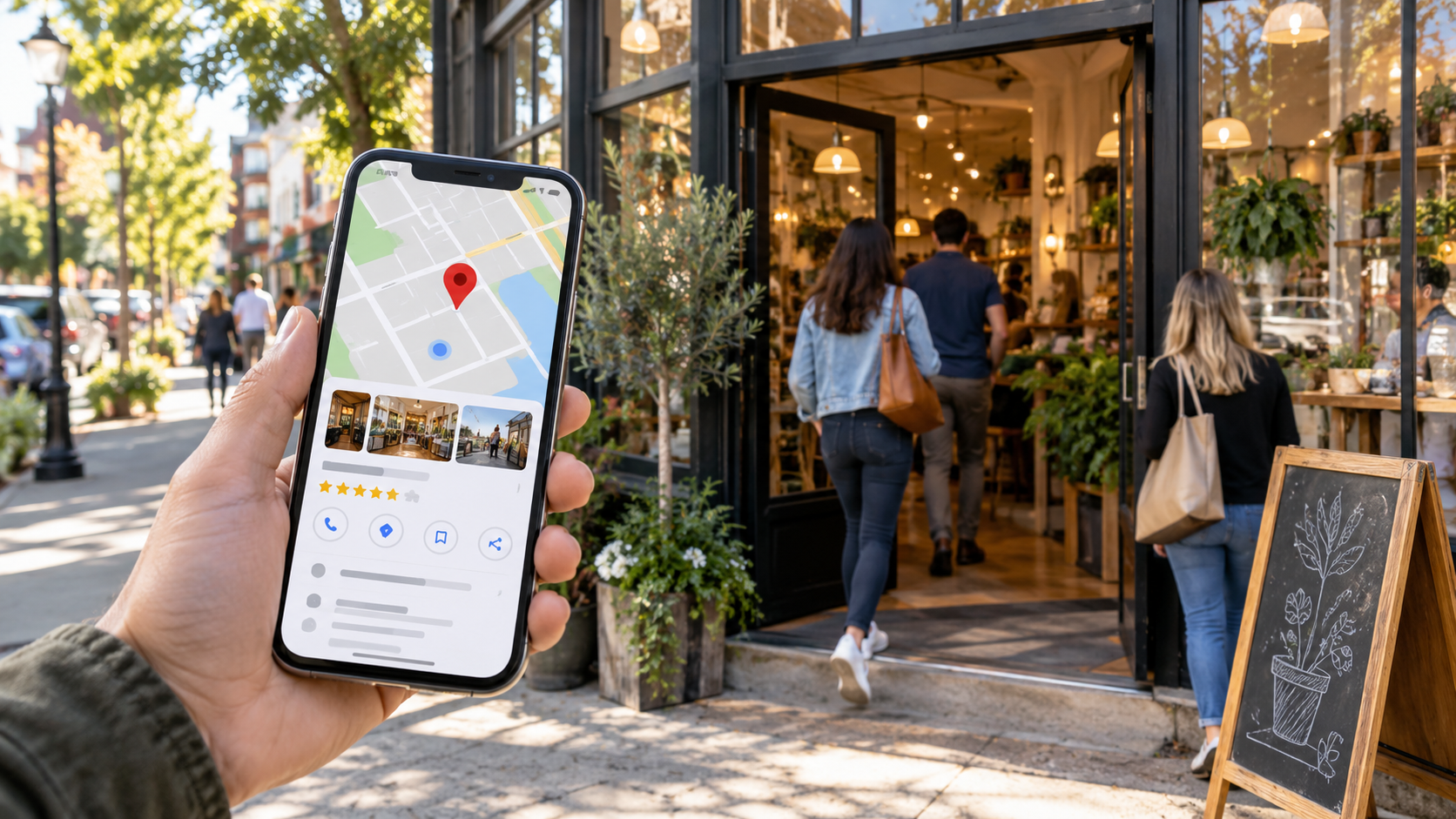
Your small coffee shop sits nestled on a busy downtown street. Every day, hundreds of potential customers walk by, searching on their phones for the perfect place to grab their morning brew. Without a Google Business Profile, these searchers might never find you—even if you’re just steps away.
A Google Business Profile puts your business on the map—literally. This free tool helps you show up when nearby customers search for businesses like yours on Google Search and Google Maps. Recent data shows that 46% of all Google searches are looking for local information, making this tool vital for capturing customer attention.
Yet countless businesses miss out on these opportunities because they either don’t have a profile or haven’t optimized it properly. The good news is that creating and optimizing a Google Business Profile doesn’t require advanced marketing skills or a big budget. It requires the right strategies.

Why Google Business Profile Matters for Local Success
Think about how you search for businesses. You probably pull out your phone and type something like “coffee shop near me” or “best Italian restaurant downtown.” That’s exactly how your potential customers look for businesses like yours.
When you set up and optimize your profile, you gain several powerful benefits:
- Your business shows up on Google Maps
- Customers see your exact location, hours, and contact information
- People can read reviews from other customers
- Searchers view photos of your products or services
Building Trust Through Transparency
Today’s customers want to know everything about a business before they visit. Your Google Business Profile serves as a trust-building tool by providing:
- Updated Business Hours: Customers know exactly when you’re open
- Recent Photos: They see what your business looks like inside and out
- Customer Reviews: They read real experiences from other visitors
- Direct Communication: They can message you with questions
- Special Announcements: They stay informed about events or changes
This transparency helps customers feel confident about choosing your business. According to research, 88% of consumers trust online reviews as much as personal recommendations. By maintaining an active profile with positive reviews and regular updates, you build credibility that turns browsers into buyers.
Real-Time Customer Engagement
Your profile lets you interact with customers in real-time through:
- Messaging: Answer customer questions instantly
- Posts: Share updates about sales, events, or new products
- Reviews: Respond to customer feedback quickly
- Photos: Show off new items or changes to your business
- Q&A: Address common questions publicly
When customers see you actively managing your profile, they’re more likely to trust and choose your business.
Creating a Compelling Google Business Profile
Before you can create your profile, you’ll need a Google Account linked to your business. Visit accounts.google.com/signup and choose “To manage my business” when asked about account purpose. Use a professional email address connected to your business.
Choosing Your Business Type
Google offers three main business types:
- Storefront Business: You have a physical location customers visit.
- Service Area Business: You travel to customers or deliver services.
- Online-Only Business: You operate exclusively through the internet.
Your choice affects which features and options appear in your profile, so choose carefully.
Verification Methods
- Postcard Verification: Google mails a postcard with a verification code, usually arriving within 5 business days.
- Phone Verification: Available for some businesses; receive code via call or text.
- Email Verification: Limited to certain business types; code sent to your business email.
- Instant Verification: Available if you’ve verified your website with Google Search Console.
Filling Out Basic Information
Your profile needs accurate, complete information:
- Business Name: Use your exact legal business name—no keywords added.
- Address: Provide your complete street address. Keep it consistent across all online platforms.
- Phone Number: Add your main business line—local numbers work best.
- Website: Link to your homepage or a specific landing page.
- Business Hours: Include regular and holiday schedules.
Adding Your Business Category
Your primary category helps customers find you. Select the most specific category that fits your business. For example, instead of just “Restaurant,” choose “Italian Restaurant” or “Pizza Restaurant.”
Writing Your Business Description
Your description tells your story and helps customers understand what makes you special. Keep it between 150-300 words, use relevant keywords naturally, and focus on facts rather than promotional language.
Adding Photos and Videos
Visual content grabs attention and builds trust. Include:
- Logo: Your business logo for brand recognition
- Cover Photo: An appealing image representing your business
- Interior Photos: Show your space and atmosphere
- Exterior Photos: Help customers find your location
- Team Photos: Put faces to your business
- Product Photos: Showcase what you sell
Businesses with photos receive 35% more clicks to their websites and 42% more requests for driving directions.
Optimizing Your Google Business Profile
Core Business Information
The foundation starts with accurate basic information:
- Business Name: Use your exact legal name. Adding extra words can get your listing suspended.
- Address: Must be precise and consistent across all platforms.
- Phone Number: Use a local number when possible; avoid toll-free numbers as primary contact.
- Website URL: Link to your homepage or a local landing page.
- Business Hours: Be extremely accurate, including special holiday hours.
Business Categories
Your primary category significantly impacts where you show up in search results. Select the most specific primary category, add relevant secondary categories, and update if your business expands.
Products and Services
List everything you offer:
- Products: Add clear names and descriptions, include prices when possible, group similar items.
- Services: List all services, add detailed descriptions, include pricing if fixed.
Attributes
Attributes tell customers specific features about your business:
- Accessibility: Wheelchair accessible entrance, restroom, seating
- Amenities: Free WiFi, outdoor seating, parking availability
- Health & Safety: Mask required, staff wear masks, sanitization between visits
- Payment Options: Credit cards accepted, digital payments, contactless payment
Businesses that fill out all relevant attributes receive 35% more clicks than those that don’t.
Questions & Answers
Take control of this section by adding your own questions and answers, monitoring for new questions daily, and providing detailed responses. Popular questions to answer include:
- Do you offer parking?
- Are reservations required?
- What payment methods do you accept?
Regular Updates
Keep your profile fresh with regular updates:
- New photos (at least monthly)
- Special offers or promotions
- Event announcements
- Holiday hours
- Menu changes
Businesses that update their profiles weekly see 350% more views than those who rarely update.

Boost Your Profile with Visuals
Pictures speak louder than words when customers search for local businesses. Business listings with photos get 42% more requests for driving directions and 35% more website clicks compared to those without photos.
Types of Visuals That Drive Action
- Cover Photo: Shows your business at its best, represents your main offering, looks professional.
- Logo: High resolution and clear, minimum 250×250 pixels.
- Interior Photos: Help customers picture themselves in your space.
- Exterior Photos: Help customers find your location easily.
- Product Photos: Show off what you sell with high-quality images.
- Team Photos: Put faces to your business.
Photo Quantity
More quality photos mean more customer interest. Research shows businesses with over 100 images receive:
- 2,717% more direction requests
- 960% more search views
- 520% more calls
Video Content Best Practices
Videos offer an engaging way to showcase your business:
- Length: 30 seconds maximum
- Resolution: 720p minimum
- File size: Under 75MB
- Format: MP4
Common Visual Content Mistakes to Avoid
- Blurry or unfocused shots
- Bad lighting
- Personal photos
- Stock photos that don’t represent your business
- No captions or descriptions
Managing Reviews to Build Trust
Before trying a new restaurant or service, you likely check the reviews first. You’re not alone—84% of people trust online reviews as much as personal recommendations from friends and family.
Why Reviews Matter More Than Ever
A perfect 5-star rating isn’t always best. A few less-than-perfect reviews can actually make your business appear more authentic. Customers understand that no business is perfect, and seeing how you handle criticism often matters more than the criticism itself.
Responding to Positive Reviews
- Respond quickly (within 24-48 hours)
- Be personal—use the customer’s name and reference specific details
- Add value—share related information they might find helpful
- Keep it brief—limit responses to 2-3 sentences
Handling Negative Reviews
- Take a deep breath—never respond when emotional
- Acknowledge the issue—start with a sincere apology
- Move the conversation offline—provide contact information to resolve privately
- Follow up—once resolved, ask if they’d consider updating their review
Encouraging More Reviews
- Time Your Requests Right: Ask when customers are most satisfied—after a positive interaction, repeat purchase, or successful problem resolution.
- Make It Easy: Send direct links to your review page, create step-by-step instructions.
- Train Your Team: Teach employees when to ask for reviews, provide scripts and talking points.
Using Google Posts to Engage Customers
Think of Google Posts as your free billboard on Google Search and Maps. When customers look for businesses like yours, your posts appear alongside your listing, letting you share updates, offers, and news.
Types of Google Posts
- Updates: Share general news about your business
- Offers: Promote special deals and discounts
- Events: Tell people about upcoming happenings
- Product Posts: Showcase specific items
Creating Posts That Get Noticed
- Strong Visual Content: Use bright, clear photos
- Compelling Copy: Start with attention-grabbing headlines, keep messages short
- Clear Calls-to-Action: Tell customers exactly what to do next—”Shop Now,” “Book Now,” “Learn More,” “Call Now”
Timing Your Posts
- Post 2-3 times per week minimum
- Best times: Early morning (7-9am), lunch hours (11am-1pm), evening (6-8pm)
- Remove outdated content promptly
Businesses that post at least weekly see 520% more customer actions than those posting monthly.
Analyzing Google Profile Performance
Understanding your profile’s performance helps you make smart changes to attract more customers.
Key Metrics to Track
- Search Performance: Direct searches (business name), discovery searches (products/services), branded searches
- Customer Actions: Phone calls, website visits, direction requests, messages, bookings
Accessing Your Performance Data
- Sign in to your Google Business Profile
- Click “Performance” in the menu
- Choose your desired date range (up to 6 months)
- View your metrics by day, week, or month
Using Insights to Improve Your Profile
- Photo Performance: If photo views are low, add new high-quality photos weekly.
- Search Optimization: If discovery searches are low, update your business description with relevant keywords.
- Customer Action Improvement: If customer actions need a boost, add clear calls-to-action in your posts.
Creating a Performance Dashboard
Build a simple spreadsheet to track key metrics monthly: total searches, phone calls, direction requests, website visits, and review count. This helps you spot trends and measure improvement over time.

The Bottom Line
Your Google Business Profile is more than just an online listing. It’s a powerful tool to connect with customers, showcase your brand, and drive business growth. From crafting engaging posts and managing reviews to leveraging insights and improving local SEO, every step is designed to make your business stand out.
The strategies and techniques shared here are practical actions you can implement right away. By keeping your profile updated, using visuals to attract your audience, and engaging with customers through messaging and reviews, you can build trust and lasting relationships.
Now is the time to take action. Apply what you’ve learned, monitor your progress, and adjust your strategies as needed. With dedication and persistence, your Google Business Profile can become a key part of your local marketing success.
Step into our circle.
Most local business owners try to figure out Google Business Profiles alone—guessing at categories, struggling with reviews, and hoping customers find them. Momentum is easier together.
Join your people.
Business Builders Circle is a free community of founders, marketers, and local business owners who share what’s actually working. Inside, you’ll get early access to exclusive resource, private discussions, and behind‑the‑scenes insights from members who are actively growing their local visibility.
Spots are limited to keep engagement high. Founding members get first access to new tools and templates. Doors may close temporarily once we hit capacity.
Now is the time – not someday when you “have more time.”
Join Business Builders Circle today – it’s free.
Want to Go Further?
Getting your Google Business Profile set up is a great start. But local visibility doesn’t stop with your Google listing.
If you want to learn how to build a stronger digital presence, attract more local customers, and turn online visibility into real business opportunities, the full ebook takes you deeper.
Inside, you’ll find practical strategies you can apply to your own business—from improving your online presence and reaching the right audience to building systems that support consistent growth.
Don’t just get found. Give customers a reason to choose you.
👉 Download the Full Ebook and Start Building a Stronger Digital Presence

 English